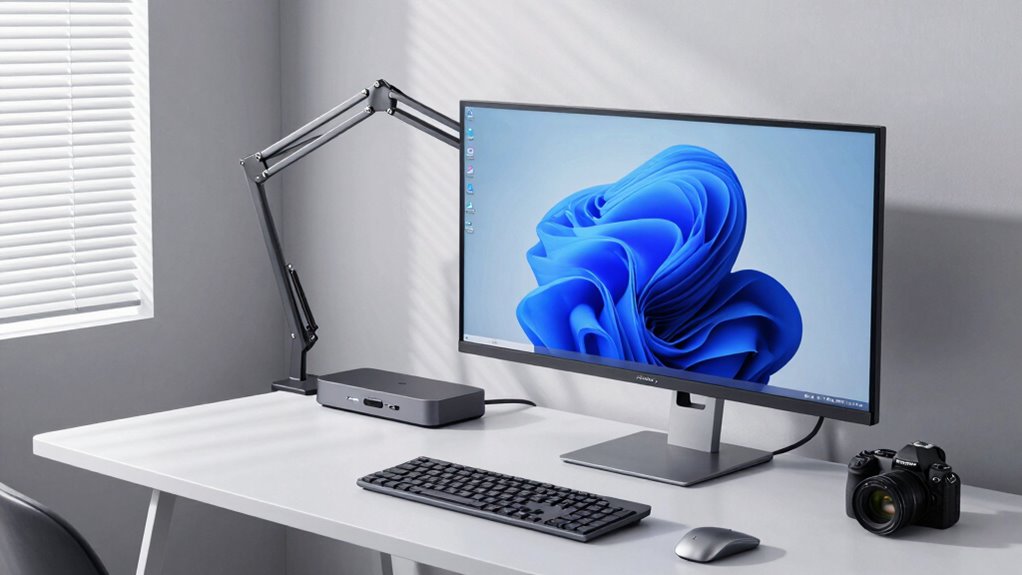

Monitor arms and docking stations may seem like simple upgrades, but they play a vital role in your workspace. They help improve your posture, reduce strain on neck and eyes, and keep your desk organized. This leads to enhanced comfort, fewer health issues, and increased focus. By optimizing your setup, you can work more efficiently and comfortably long-term. Keep exploring to discover how these tools can truly transform your work environment.

Prime made for students and young adults
- Fast, free delivery for dorm and study essentials
- Prime Video and Amazon Music included
- Member-only deals
Key Takeaways
- They improve ergonomic health by reducing strain and promoting proper posture during prolonged computer use.
- Docking stations streamline device connections, reducing clutter and enhancing workspace organization.
- Adjustable monitor arms enable precise positioning, increasing comfort and minimizing distractions for better focus.
- Together, they foster long-term health, decreasing fatigue and preventing work-related musculoskeletal issues.
- Implementing ergonomic tools enhances productivity, well-being, and creates a professional, clutter-free work environment.
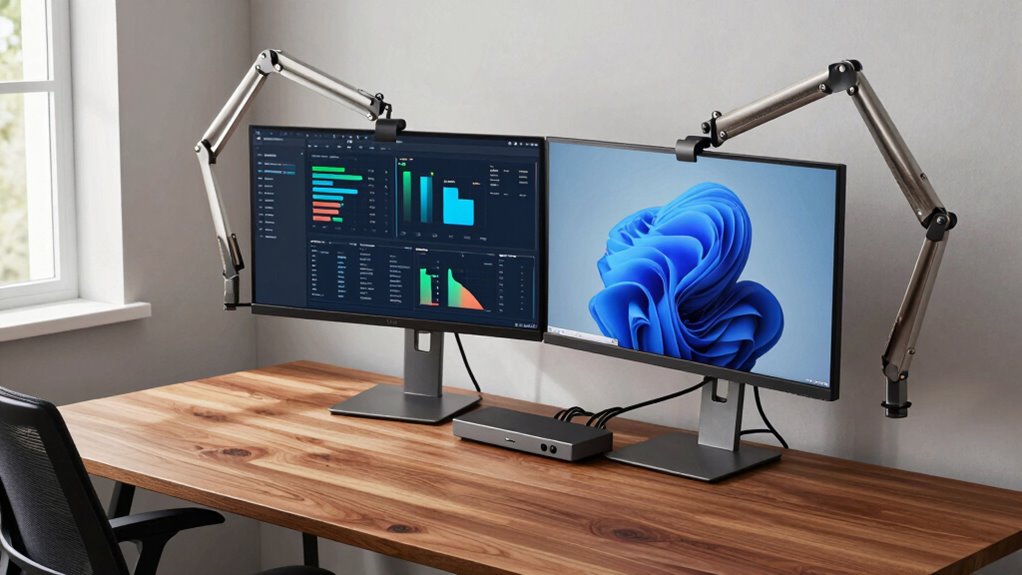
Have you ever considered how much your workspace setup impacts your productivity and comfort? The truth is, small adjustments can make a significant difference, especially when it comes to monitor arms and docking stations. These tools aren’t just accessories; they’re essential components that influence your daily work experience. When you invest in quality monitor arms, you’re gaining ergonomic benefits that help reduce strain on your neck, shoulders, and eyes. By allowing you to position your screen at eye level, they prevent awkward postures that lead to discomfort and long-term health issues. Docking stations, on the other hand, streamline your workspace organization, making it easier to connect all your devices and keep your desk clutter-free. Together, these elements create a workspace that’s both efficient and comfortable, allowing you to focus on your tasks rather than battling discomfort or disorganization.
Using monitor arms correctly not only improves your posture but also enhances your overall ergonomic setup. Instead of hunching over a fixed monitor or constantly adjusting your chair to see your screen clearly, a monitor arm gives you the flexibility to position your monitor precisely where you need it. This adaptability minimizes eye strain and reduces the need to shift your body awkwardly, which can cause fatigue over the course of a long workday. Proper workspace organization, facilitated by docking stations, simplifies your connections—power, data, audio—so you don’t waste time untangling cords or searching for ports. This neat setup helps you stay focused, minimizes distractions, and boosts overall productivity. Additionally, cable management becomes much easier with these tools, preventing your workspace from becoming cluttered and chaotic.
Monitor arms and docking stations enhance posture, organization, and productivity for a more comfortable workday.
Furthermore, a well-organized workspace with monitor arms and docking stations promotes better mental clarity. When your workspace is clean and your devices are within easy reach, you experience less frustration and more control over your environment. It’s a subtle but powerful shift that fosters a professional atmosphere, even when working remotely. The ergonomic benefits are immediate and tangible, but the long-term advantages include fewer aches, fewer interruptions, and an improved sense of well-being throughout your workday. Incorporating ergonomic tools like monitor arms and docking stations can also help prevent discomfort caused by improper workstation setup and promote better posture habits. Recognizing the importance of workspace ergonomics can lead to healthier work routines and increased overall comfort.
In essence, monitor arms and docking stations are more than just accessories—they’re strategic tools that shape your daily work experience. They elevate your ergonomic benefits and optimize workspace organization, leading to a more comfortable, efficient, and healthier work environment. Investing in these components means investing in yourself, ensuring that your workspace supports your productivity rather than hindering it. Because, in the end, a well-thought-out setup isn’t just about aesthetics; it’s about creating a sustainable and enjoyable work routine.
As an affiliate, we earn on qualifying purchases.
Frequently Asked Questions
How Do Monitor Arms Improve Ergonomic Health?
Monitor arms improve your ergonomic health by offering adjustment flexibility, allowing you to position your screen at the perfect height, distance, and angle. This helps you maintain a neutral posture, reducing neck and eye strain. With better posture enhancement, you can work more comfortably for longer periods, minimizing discomfort and potential injuries. Overall, monitor arms promote healthier working habits by making it easy to customize your workspace to fit your needs.
Are Docking Stations Compatible With All Laptop Brands?
Docking stations aren’t universally compatible with all laptop brands, but many are designed with brand versatility in mind. You’ll want to check the laptop compatibility before purchasing, ensuring the docking station supports your specific model and port types. Most modern docking stations work well with popular brands like Dell, HP, Lenovo, and Apple, but compatibility varies, so verifying specifications guarantees seamless integration and maximum performance for your device.
What Is the Average Lifespan of a Monitor Arm?
Ever wondered how long your monitor arm will last? Typically, a monitor arm’s lifespan ranges from 5 to 10 years, depending on usage and build quality. You gain ergonomic benefits by choosing durable, high-quality arms that support your monitor’s weight and promote healthy posture. Investing in a sturdy monitor arm guarantees long-term monitor durability and comfort, making your workspace safer and more efficient over the years.
Can Monitor Arms and Docking Stations Increase Productivity?
Yes, monitor arms and docking stations can boost your productivity by enabling workspace customization and improving cable management. With adjustable monitor arms, you can find the most comfortable viewing position, reducing strain and increasing focus. Docking stations help organize cables, freeing up desk space, and allowing quick connections to devices. These enhancements streamline your workflow, making your workspace more efficient and comfortable, ultimately helping you work smarter and faster.
Do These Accessories Require Professional Installation?
You don’t necessarily need a professional to install monitor arms and docking stations, but some installation challenges might arise. If you prefer user customization, you’ll want to carefully follow manufacturer instructions. Basic setups are usually straightforward, yet complex configurations or mounting options could benefit from expert help. Ultimately, with patience and attention to detail, you can handle the installation yourself, ensuring your workspace is ergonomic and tailored to your needs.
Conclusion
In the grand scheme of your workspace, monitor arms and docking stations aren’t just accessories—they’re the secret weapons of productivity and health. Ignoring them is like trying to run a marathon in flip-flops; you’re setting yourself up for disaster. Invest in these game-changers, and suddenly your workspace transforms into a powerhouse of comfort and efficiency. Trust me, neglecting them is like willingly signing up for a daily battle with fatigue and discomfort—don’t let that be you.
Fall Picks
fall essentials
As an affiliate, we earn on qualifying purchases.