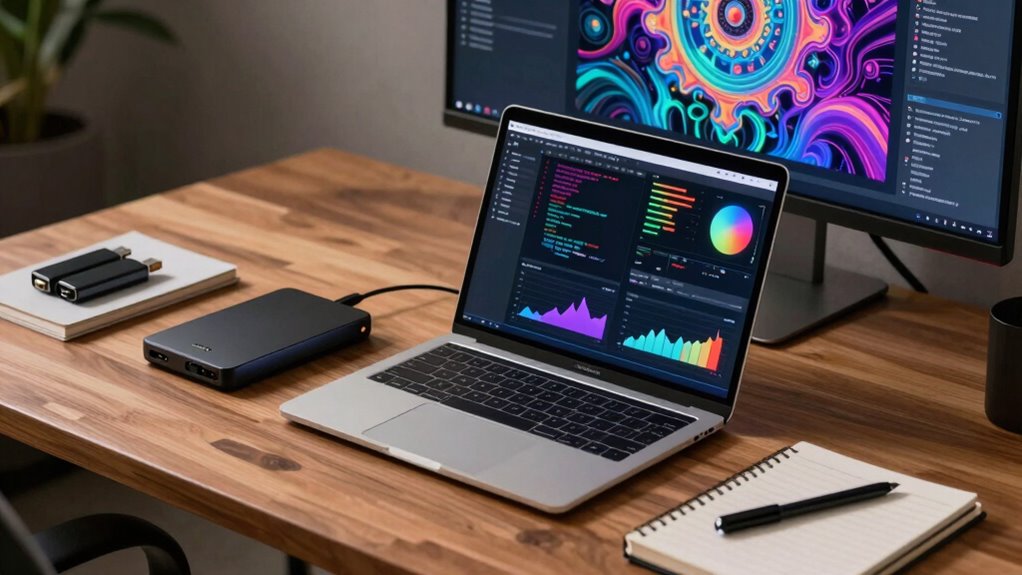

As a creator, your digital assets—photos, videos, designs—are your livelihood. With hardware failures, cyber threats, and accidental loss happening more often, reliable backup setups are more essential than ever. A strong plan using cloud storage, hardware redundancy, and regular testing can protect your work from sudden disasters. Safeguarding your digital legacy guarantees your projects and creativity stay secure, no matter what happens. Keep going to discover how to build an unbeatable backup system.
Key Takeaways
- Creators’ digital assets are irreplaceable, making reliable backups essential to prevent permanent loss.
- Increasing reliance on cloud storage and hardware redundancy enhances data protection for ongoing projects.
- Regular testing and updates ensure backup systems remain effective against evolving cyber threats.
- Diverse backup strategies minimize risks from hardware failure, theft, or disasters, safeguarding creative work.
- A comprehensive backup plan ensures quick recovery, maintaining productivity and protecting digital legacy.
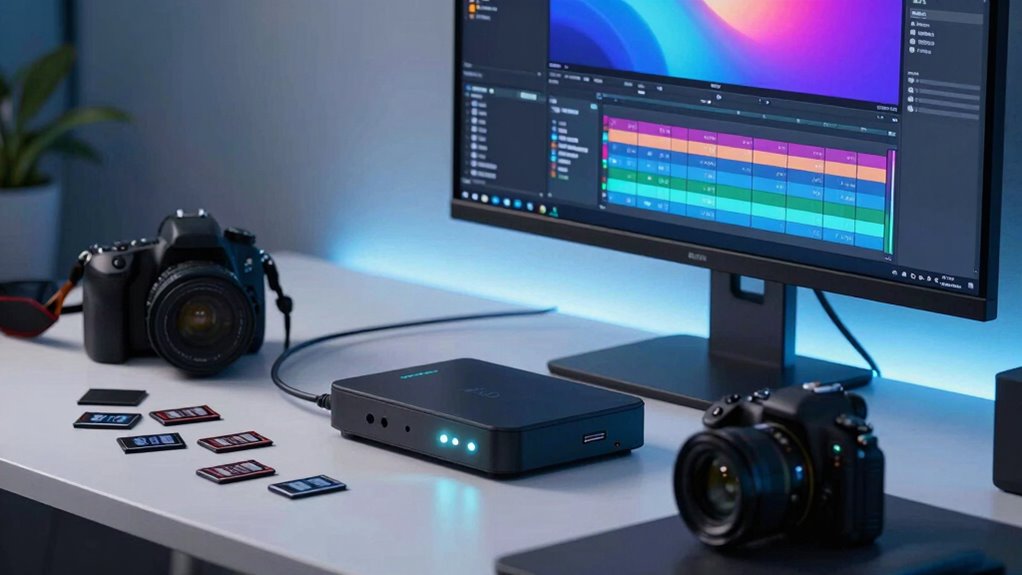
As a creator, your work is your livelihood, and losing it can be devastating. Whether you’re a photographer, designer, videographer, or musician, your creations are invaluable, so safeguarding them is essential. That’s where a solid data backup setup becomes crucial. It’s not just about having a secondary copy anymore; it’s about creating a resilient system that protects your work from all angles. Cloud storage has revolutionized how creators secure their data. Unlike traditional external drives or physical backups, cloud storage offers instant access, automatic syncing, and off-site protection. You can upload your files to secure servers, knowing they’re protected against theft, fire, or hardware failure. It’s a flexible, scalable solution that grows with your needs, making it easier to manage multiple projects and versions without cluttering your workspace. But relying solely on cloud storage isn’t enough. Hardware redundancy plays an essential role in guaranteeing your work remains safe even if your primary devices fail. Implementing hardware redundancy means having duplicate copies of your critical hardware components—like drives and servers—so if one fails, another takes over seamlessly. For instance, using RAID configurations or mirrored drives ensures your data remains accessible and intact, even during hardware malfunctions. Combining cloud storage with hardware redundancy creates a layered defense, considerably reducing the risk of data loss. You get the speed and convenience of local backups with the security and remote accessibility of cloud solutions. Many creators overlook the importance of regularly testing their backup systems, but it’s just as important as setting them up. Regularly verifying that your backups work correctly guarantees you won’t face surprises when disaster strikes. It’s also wise to keep your backup systems updated with the latest security features to fend off cyber threats. Your workflow depends on quick recovery, so having a robust, well-maintained backup setup becomes a non-negotiable. Implementing content management strategies can further enhance your data protection by organizing and prioritizing your files effectively. As your portfolio grows, so does the importance of a reliable backup plan. Cloud storage and hardware redundancy are your safety nets, ensuring your creative efforts are protected no matter what. It’s worth noting that some off-site storage options can provide additional layers of security and disaster recovery. Instead of reacting after a disaster, you’re proactively preventing the worst from happening, giving you peace of mind and the freedom to innovate without fear. Your work is too valuable to leave unprotected, so investing in a thorough backup strategy isn’t just smart; it’s essential for any creator serious about safeguarding their digital legacy. Furthermore, understanding the role of data integrity in backup systems helps ensure that your files remain uncorrupted and usable over time. Incorporating regular backup testing into your routine is a critical step in maintaining the reliability of your data protection plan. Additionally, familiarizing yourself with the importance of diversification in your backup approach can help mitigate risks associated with single points of failure.

WD 2TB My Passport, Portable External Hard Drive, Black, backup software with defense against ransomware, and password protection, USB 3.1/USB 3.0 compatible – WDBYVG0020BBK-WESN
- Design: Slim, durable portable hard drive
- Capacity: Up to 6TB storage capacity
- Backup Software: Includes device management and ransomware protection
As an affiliate, we earn on qualifying purchases.
As an affiliate, we earn on qualifying purchases.
Frequently Asked Questions
How Often Should Creators Back up Their Data?
You should back up your data daily or weekly, depending on how often you create new content. Regular backups guarantee you don’t lose valuable files, especially with sensitive data that benefits from file encryption. Use cloud storage for automatic and remote backups, making recovery easier if something goes wrong. Consistent backups help protect your work and keep your creative process smooth, no matter what unexpected issues arise.
What Are the Best Backup Tools for Creators?
You should choose backup tools that combine cloud storage with automation tools for seamless protection. Popular options include Backblaze, which automatically backs up your files to the cloud, and Acronis, offering scheduled backups and easy restoration. These tools save you time, reduce manual effort, and guarantee your creative work stays safe. Prioritize solutions that integrate well with your workflow and provide reliable, automatic backups to keep your data secure.
How Can Creators Secure Their Backup Data?
You can secure your backup data by using a combination of cloud storage and offline archives. Cloud storage offers easy access and automatic updates, while offline archives protect your files from online threats and hardware failures. Regularly update both, use strong passwords, and enable two-factor authentication. Keep offline copies in a safe, secure location, ensuring your creative work stays protected even if digital systems are compromised.
What Is the Cost Difference Between Backup Options?
Did you know that cloud storage costs can range from free to hundreds of dollars monthly? Your backup options vary considerably in price, depending on storage size and features like backup encryption. Cloud storage plans are usually affordable, but adding secure backup encryption may increase costs. It’s crucial to balance affordability with security to guarantee your creative work stays protected without breaking the bank.
How to Recover Data Quickly After a Backup Failure?
If your backup fails, act quickly by accessing your cloud storage, which often offers rapid recovery options. Guarantee your data is protected with strong encryption methods, so even if you need to restore files, your information remains secure. Regularly test your backups to confirm they work. Having a well-structured recovery plan in place helps you restore your creative work swiftly, minimizing downtime and preventing data loss.
Conclusion
Remember, as a creator, your work is your legacy—think of it like the Library of Alexandria, but in digital form. Without proper backups, a sudden tech mishap could wipe out everything you’ve built. Don’t wait for a “Hitchhiker’s Guide to the Galaxy” moment to realize your data’s gone. Stay vigilant with backups, embrace the power of modern tech, and keep your creative universe safe from the chaos of the unknown.