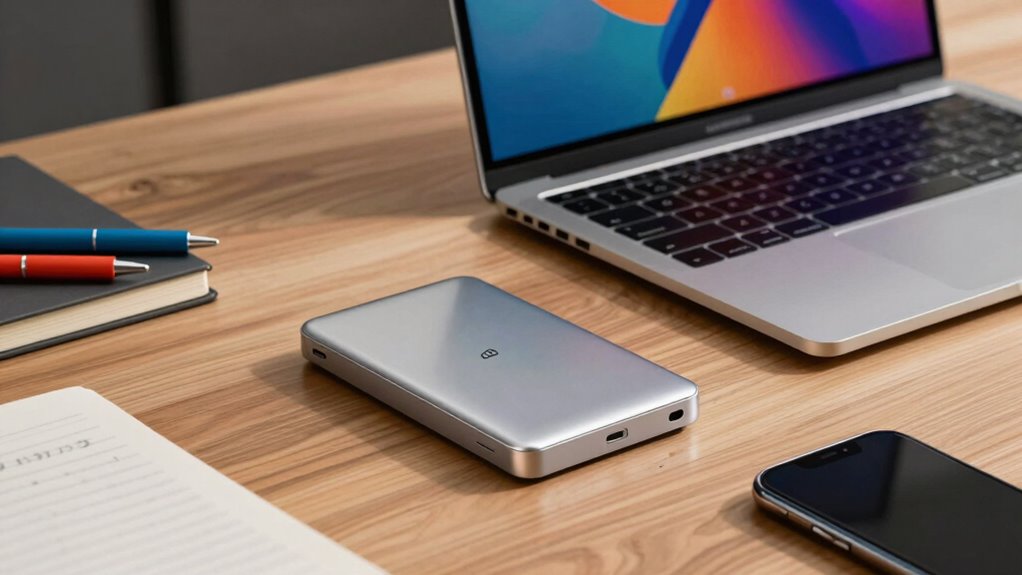

External SSDs help you work faster by offering blazing-fast data transfer speeds, so you can access large files like high-resolution videos and complex designs instantly. Their portability means you can smoothly move between studio and on-site projects without delays. With reliable performance and security features, your data stays safe and accessible. When you explore further, you’ll discover more ways these drives can transform your creative process and boost productivity.
Key Takeaways
- External SSDs offer rapid data transfer speeds, enabling quick access and editing of large files like videos and high-resolution images.
- Their portability allows creators to work seamlessly across multiple locations without slowdowns.
- Reliable performance reduces delays caused by hardware issues, streamlining the creative workflow.
- Compatibility with various devices ensures immediate setup and minimal troubleshooting, saving valuable time.
- Cloud integration and backup features prevent data loss, allowing creators to focus on their projects without interruption.
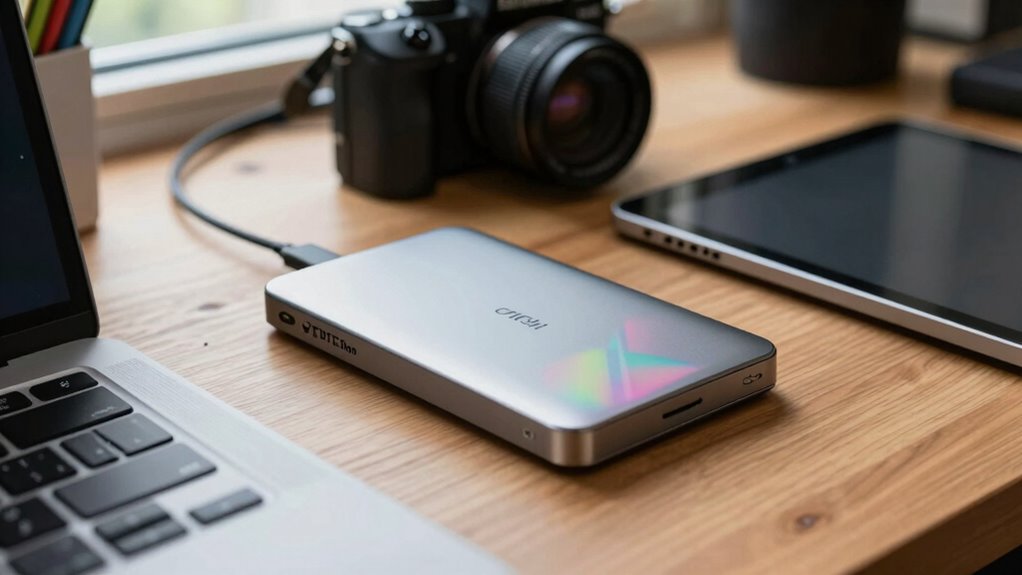
Are external SSDs worth considering for creators? Absolutely. As a creator, you often juggle large files, demanding software, and tight deadlines. An external SSD can significantly boost your workflow by providing fast data transfer speeds that keep you working without frustrating delays. Unlike traditional HDDs, SSDs use flash memory, which means you get quicker read and write times, allowing you to access your files almost instantly. This speed is essential when editing high-resolution videos, working with complex graphic designs, or managing extensive photo libraries. When you choose an external SSD, you’re investing in a tool that helps you work faster and more efficiently, saving you precious time on every project.
External SSDs boost creator workflows with fast, reliable access to large files and demanding software.
One of the key benefits of an external SSD is its portability combined with high performance. You can easily carry it between locations—studio, on-site shoots, coffee shops—and still enjoy rapid data access. This flexibility is a game-changer for creators who are constantly on the move. Plus, many external SSDs are compatible with a wide range of hardware, making them versatile additions to your setup. Whether you’re using a Mac, Windows PC, or a tablet, you’ll find models that are compatible out of the box, reducing setup headaches. This hardware compatibility ensures you don’t waste time troubleshooting connection issues; instead, you focus on your creative work. Additionally, reliable hardware is crucial for avoiding data loss during critical moments, which is why selecting a reputable brand can make all the difference. Investing in durable and dependable external SSDs can provide peace of mind during intensive projects. Furthermore, choosing a drive with advanced encryption can enhance your data security, especially when working with sensitive or proprietary content.
Security and backups are critical for creators, and external SSDs can help here too. Many models support cloud backups, allowing you to synchronize your files with cloud storage services. This hybrid approach ensures your data is protected even if the drive is lost or damaged. You can work locally on the SSD for speed, then back up to the cloud for peace of mind. This setup minimizes downtime and keeps your creative process smooth. Additionally, external SSDs often feature robust encryption options, giving you control over sensitive files. Furthermore, cultural diversity reflected in local art scenes and community festivals can inspire your projects and motivate your creative process, making your work more vibrant and meaningful.

SANDISK 2TB Extreme Portable SSD (Old Model) – Up to 1050MB/s, USB-C, USB 3.2 Gen 2, IP65 Water and Dust Resistance, Updated Firmware – External Solid State Drive – SDSSDE61-2T00-G25
- High-Speed NVMe Performance: Up to 1050MB/s read, 1000MB/s write
- Durable and Water-Resistant: IP65 rated, 3-meter drop protection
- Portable and Secure: Includes carabiner loop for easy attachment
As an affiliate, we earn on qualifying purchases.
As an affiliate, we earn on qualifying purchases.
Frequently Asked Questions
Can External SSDS Improve Editing Software Performance?
Yes, external SSDs can improve your editing software performance. Their fast transfer speeds mean you can load and save large files more quickly, reducing lag. Plus, most external SSDs are compatible with popular editing programs and systems, minimizing compatibility issues. This allows you to work more efficiently, edit seamlessly, and focus on your creative process without waiting around for files to transfer or software to respond.
Are External SSDS Compatible With All Creative Devices?
External SSDs are compatible with many creative devices, but device compatibility varies. You should check your device’s ports and specifications to guarantee the SSD connects properly. Many external SSDs support USB-C, Thunderbolt, or USB-A, making them versatile. Consider your storage capacity needs too—most external SSDs offer a range from a few hundred gigabytes to several terabytes—so choose one that fits your project demands and device compatibility.
What Is the Lifespan of an External SSD?
A stitch in time saves nine, and that’s true for your external SSD’s lifespan. Usually, you can expect it to last between 3-5 years, depending on usage. Data encryption helps protect your files, while wear leveling ensures even usage of memory cells, extending the drive’s life. Regular backups and safe handling also prolong its usability, so you get the most out of your investment.
How Do I Securely Back up Data on an External SSD?
To securely back up data on your external SSD, start by copying your files to a reliable cloud backup service for extra safety. Use encryption methods like hardware encryption or software tools such as VeraCrypt to protect sensitive data. Regularly update your backups, and consider enabling two-factor authentication on your cloud account. This way, your data remains secure and easily recoverable if needed.
Do External SSDS Require Special Formatting for Creative Work?
External SSDs usually need to be formatted with a compatible file system, like exFAT or NTFS, for creative work. This guarantees smooth data transfer and easy access across different devices. You might need to reformat your SSD if it’s in a different format, but do backup your data first. Using the right file system helps you work faster, making data transfer seamless and avoiding compatibility issues during your creative projects.
Conclusion
With an external SSD, you can cut down your editing and rendering times, making your workflow smoother and more efficient. It’s like having a turbo boost for your creative process. Won’t you agree that in the fast-paced world of content creation, every second saved counts? Investing in an SSD isn’t just about speed—it’s about giving yourself the freedom to focus on your craft and bring your ideas to life faster. Ready to upgrade your setup?