
🔍 Read the full analysis: Create A Haunting Halloween Atmosphere With AI on ThorstenMeyerAI.com

Get school and study supplies delivered free — and shop member deals
- Fast, free delivery on millions of items
- Access to Prime Big Deal Days deals on October 6–7
- Prime Video, Amazon Music and more included
TL;DR
AI-powered Halloween decor can include generated visuals, voices and dialogue that responds to visitors, but products marketed as AI may offer only motion triggers and prerecorded effects. The source guide recommends choosing one clear effect, checking whether features run locally or online, and planning for privacy, safety and service outages.
A Halloween decorating guide from ThorstenMeyerAI.com explains how artificial intelligence can add generated visuals, voices or responsive dialogue to spooky displays, while warning that some products sold as AI use only a motion sensor and prerecorded sound, as detailed in the original guide. The distinction can affect what a prop can do, how much setup it needs and whether it depends on an internet connection.
The guide defines AI-powered decor by the task it performs. Generative tools can create or help draft artwork, audio and dialogue; speech recognition can let a character respond to spoken input; and computer vision can analyze camera images. A prop that plays the same growl whenever someone walks past, by contrast, is using a sensor and a recording. That can still make an effective scare, but it does not interpret a visitor or create a new response.
It recommends matching the feature to a specific moment rather than adding interactivity throughout a display. A portrait might whisper as guests approach, with generated artwork giving it a candlelit appearance and a light shifting color. Each additional device can add coordination and troubleshooting needs. A connected bulb, for example, could miss its cue if the Wi-Fi drops; a local recording or backup light cue can help preserve the scene.
The guide suggests starting with one visitor experience, creating and reviewing any generated content, choosing a trigger and output, and testing the complete setup from the guest’s perspective. It also advises checking current product capabilities, availability, pricing and privacy settings. Features that rely on online services may offer more variation, but can depend on connectivity and may send information outside the home.
A motion-triggered recording is automation; AI usually means a system generates or interprets content.
Use generated art, voices, or dialogue to personalize a scene, then review the results and usage terms.
Plan one clear visitor moment before choosing sensors, lights, speakers, or controllers.
Test offline behavior, sensor timing, audio, cable placement, and outdoor protection before Halloween night.
Tell visitors when a display processes faces or voices, limit collection, and provide a way to pass without interacting.
Choosing Effects That Hold Up
The practical difference between a sensor and an AI feature shapes both the visitor experience and the amount of work required. Basic automation can deliver a repeatable cue with little complexity. Speech systems or generated content can make an interaction feel less predictable, but may need editing, testing and a stable connection.
For hosts, the issue is also reliability and privacy. A display running through a busy evening may be better served by a local cue that works without internet access. If a product uses a microphone or camera, its data handling matters as much as its effect. The guide urges buyers to check whether processing happens on the device or through an online service before setting up those features.
Design also affects whether guests notice the intended scare. A single timed sound or light change gives visitors a moment to register what happened; several simultaneous effects can compete. The guide’s advice is to give each tool a clear role and use more complexity only when it improves the scene.
From Sensors to Responsive Props
Halloween props have long used simple triggers: someone approaches, a sensor activates movement or sound, and the same effect plays each time. The guide places AI features alongside that familiar automation rather than treating every electronically triggered decoration as intelligent. The key question is what the system does after it detects a person or hears a voice.
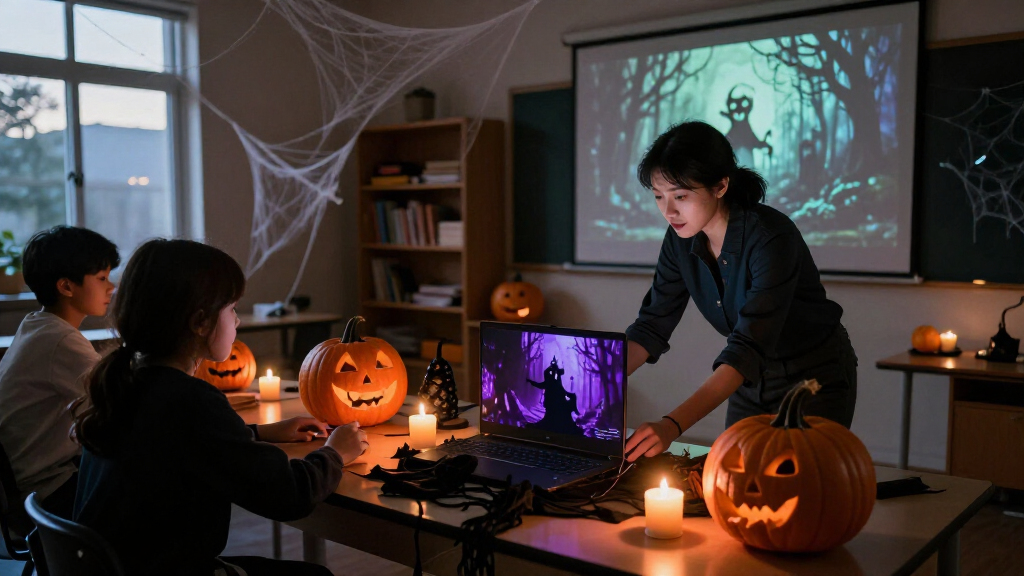
AI can enter a display at different stages. A creator might use a generative tool to make a haunted portrait or draft a witch’s lines, then play the finished material from a speaker. A more interactive setup could use speech tools to vary replies. These approaches have different requirements: generated material needs review, voice recognition may struggle with background noise, and camera-based analysis can raise privacy questions.
The source is a planning guide, not a report of a new product launch or independently verified test. It notes that marketing descriptions and product details can change, so shoppers should confirm current specifications with the manufacturer. Its examples describe possible setups rather than claims that any particular product will work reliably in every home.
“A motion sensor that triggers a prerecorded shriek can still make an excellent scare, but by itself it is ordinary automation.”
— ThorstenMeyerAI.com guide
Product Claims Need Checking
The guide does not identify specific products or independently verify how they perform. What a product’s AI label covers, whether its features work offline, and what data it collects depend on the individual device and service. Pricing, availability and privacy settings can also change.
It is also unclear how well speech recognition will work in a noisy setting or how consistently connected effects will respond during a crowded evening. Generated voices and visuals may need editing, and the guide says licenses can limit how content is shared or used commercially. Buyers should check the relevant product and content terms before relying on them.
Test the Full Visitor Scene
The guide advises testing the display as a visitor would encounter it, including the trigger, sound, lighting and any online features. Hosts can check connection requirements and privacy settings in advance, then keep a simple local cue ready in case an online service or connected device fails. The next step for shoppers is to confirm current product details and decide whether the added interaction is worth the setup.
For creators, the guide’s sequence is to choose one moment, draft and review the content, select how it will trigger, and test the result. It does not name a later product release or reporting milestone; the advice is intended for people planning seasonal displays.
Key Questions
What makes a Halloween decoration AI-powered?
It uses an AI system for a task such as generating media, recognizing speech or adapting a response. A motion sensor that triggers the same recording is automation, even if it creates a spooky effect.
Can a Halloween display use AI without an internet connection?
Some content and effects can run locally, but capabilities vary by product. Check whether a feature needs an online service; local playback can be more dependable while offering less variation.
What should I check before buying an AI Halloween prop?
Confirm what the AI feature actually does, current pricing and availability, whether it works locally, and what information it collects or sends online. Review content licenses if you plan to share or use generated material commercially.
How can I make an AI Halloween effect more reliable?
Build around one clear visitor cue, test the complete scene, and consider a local recording or backup light cue if connected features depend on Wi-Fi.
Source: ThorstenMeyerAI.com
Fall Picks
fall essentials
As an affiliate, we earn on qualifying purchases.